Less noise.More of your own work. Small tools that solve a specific problem. Made with respect for your time.
Find your app↓
Apps 03 / public catalog
Ting macOS / For your keyboard Your next app. A few keys away.
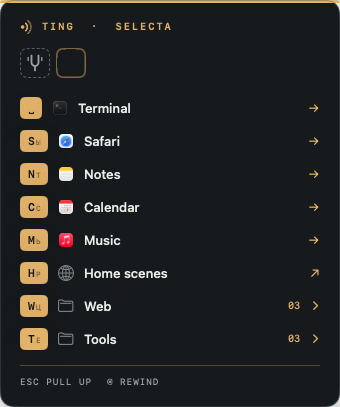
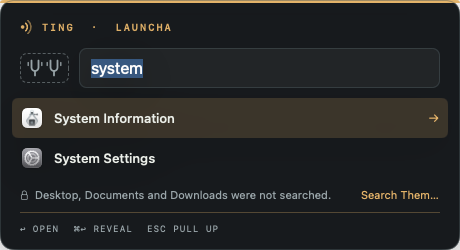
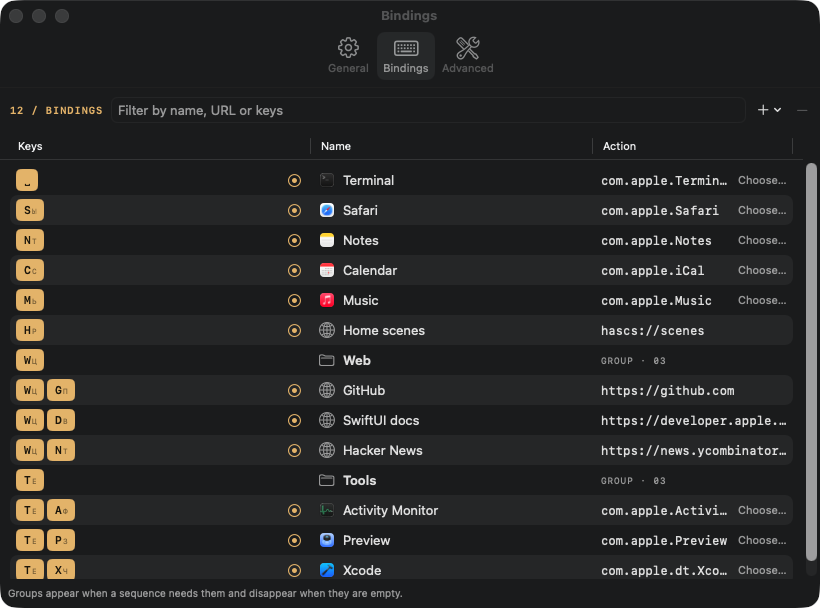
A leader-key launcher for macOS. Press your leader key, then a key or short sequence to open an app or URL, or to start a small micro-app. Home, then w, g — and you’re on GitHub. Double-tap the leader to search apps with launcha.
macOS 14+ · Apple silicon and Intel
On your Mac 01 / 04
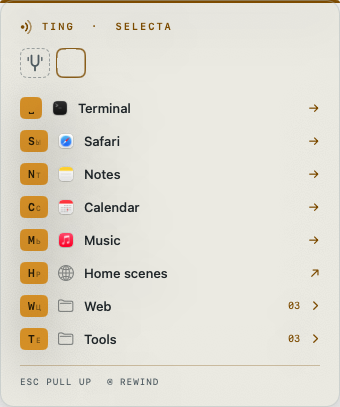
Press the leader, then one key. Double-tap the leader to search apps. Light or dark, as you like. Every sequence in one table.
Splash Finish macOS / For working with AI Your agents work. You stay focused.
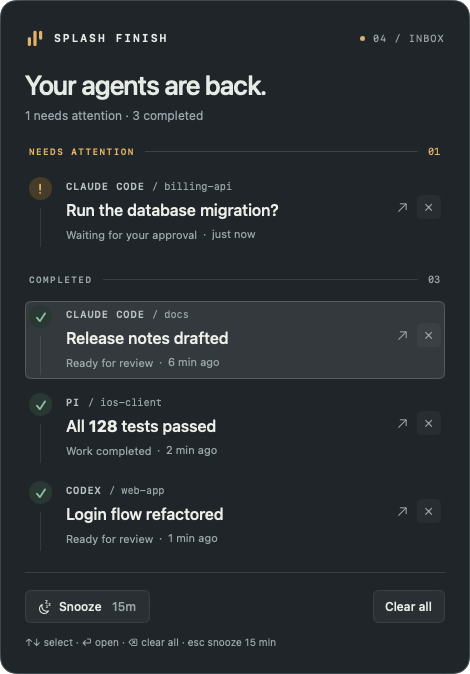
One quiet inbox for Claude Code, Codex, and pi. Know when work is done or an agent needs a decision, then return to the right session.
macOS 14+ · Apple silicon and Intel
Works with Claude Code Codex pi
On your Mac 01 / 03
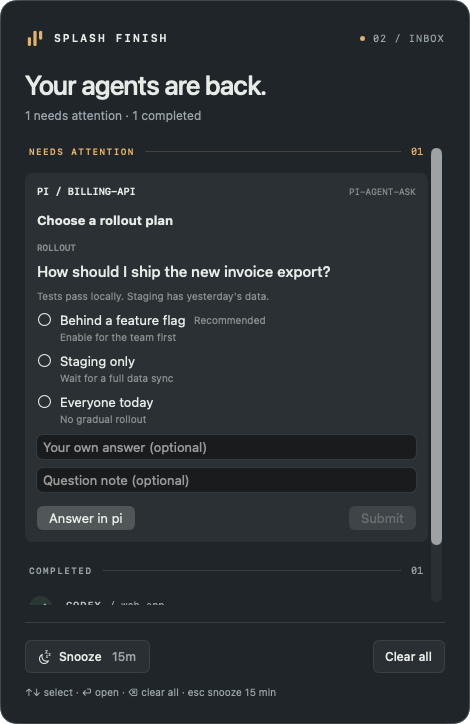
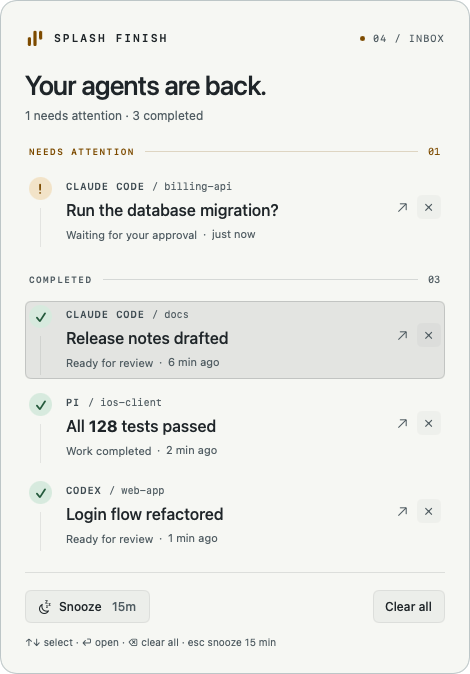
Every agent in one inbox. Answer pi right in the inbox. Light theme, if you prefer.
HAScS macOS / For your home Your home scenes. One key away.
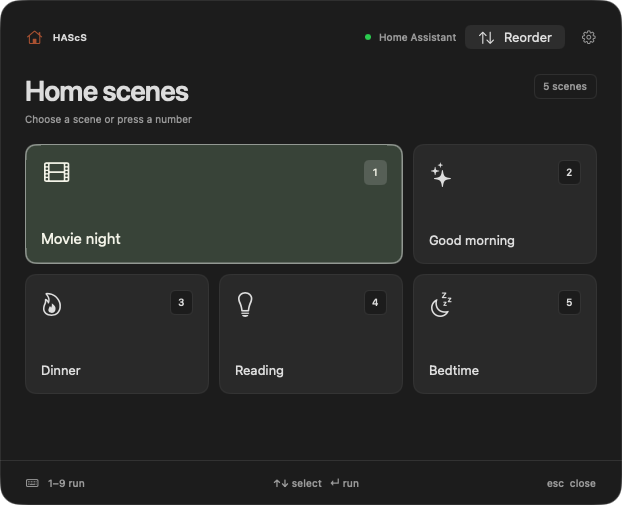
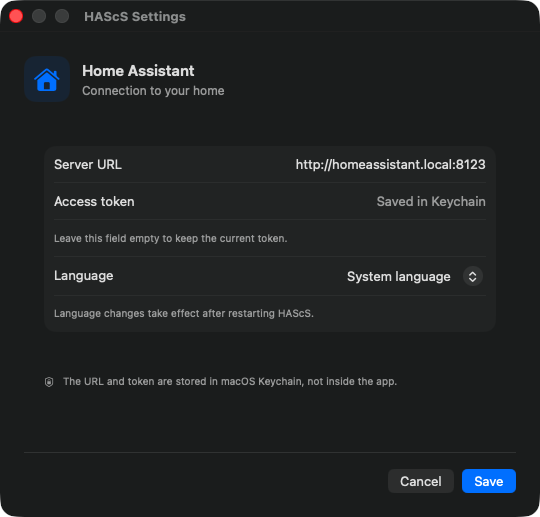
A native macOS menu-bar remote for Home Assistant scenes. Open the compact panel, press 1–9, and get back to what you were doing.
macOS 14+ · Apple silicon and Intel
Works with Home Assistant
On your Mac 01 / 04
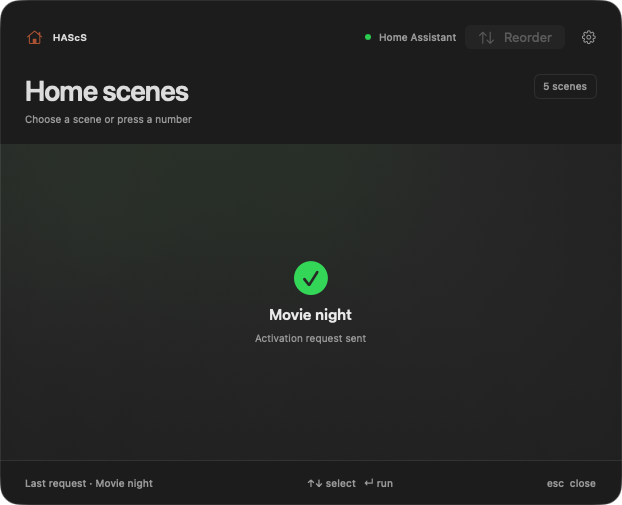
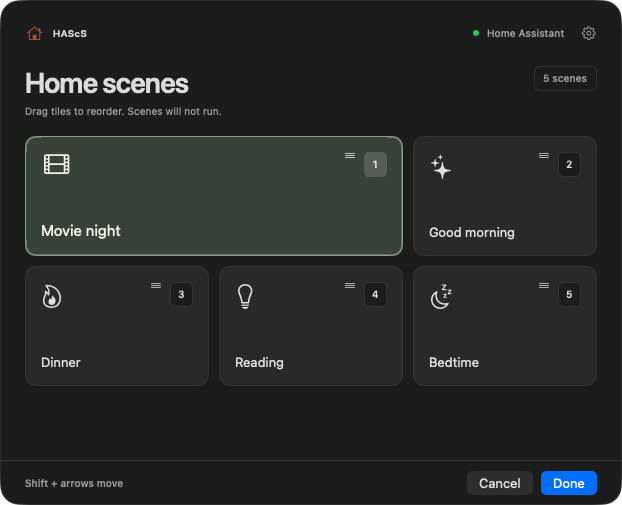
Press a number to run a scene. A short confirmation that the request was sent. Drag tiles into your own order. The URL and token stay in Keychain. 01 / Focused One thing. Done well. Not an everything app. A useful tool that fits into an ordinary day.
02 / In the open The code is no secret. Only public bobuk-io projects are listed here. See how they work and suggest improvements.
03 / In touch Somewhere to ask. Each app has its own instructions, support page, and information about data.
Good tools don’t demand extra attention. And if something goes wrong, let’s work it out.
Get support↗